Free daily questions that build a study habit
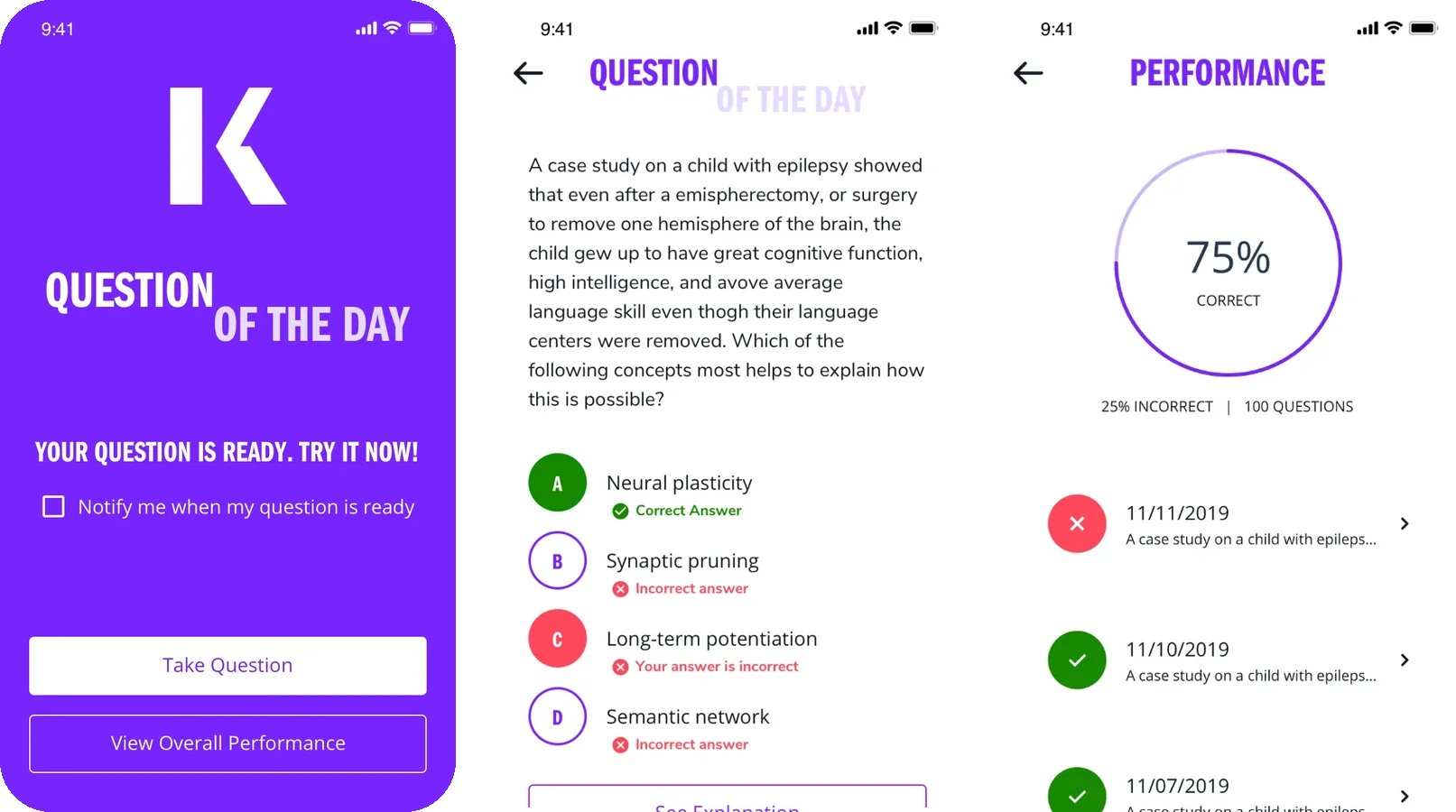
Question of the Day is an iOS app that gives students a few free sample questions every 24 hours, based on what they're studying. It was part of a push to use free content to bring students into Kaplan and toward paid courses.
The goal
Free content that leads to a sale later
Kaplan had a mandate to drive more traffic to its websites. Part of that was using free content a student could get on a regular schedule, so Kaplan stayed in their routine until they were ready to buy a course.
Question of the Day does one thing. Every 24 hours it serves three free sample questions for the test the student is studying for, then shows how they're doing over time. It works as a free question bank, so students can try Kaplan's material before buying a package or subscription.
A few questions a day is small enough to do every day, and that's what turns it into a habit.
My role
Guiding the designer, keeping the brand consistent
As UX Manager, I oversaw the project. A product designer on my team led the day to day work of turning high level requirements into a simple app experience. They also had to learn Kaplan's branding and apply it to our design system, grid and spacing.
Our brand and design system designer gave art direction to keep spacing, alignment and branding consistent. I made sure the work stayed tied to the business goal and the design system we were building for the rest of the platform.
The daily loop
Sign up once, then come back every day
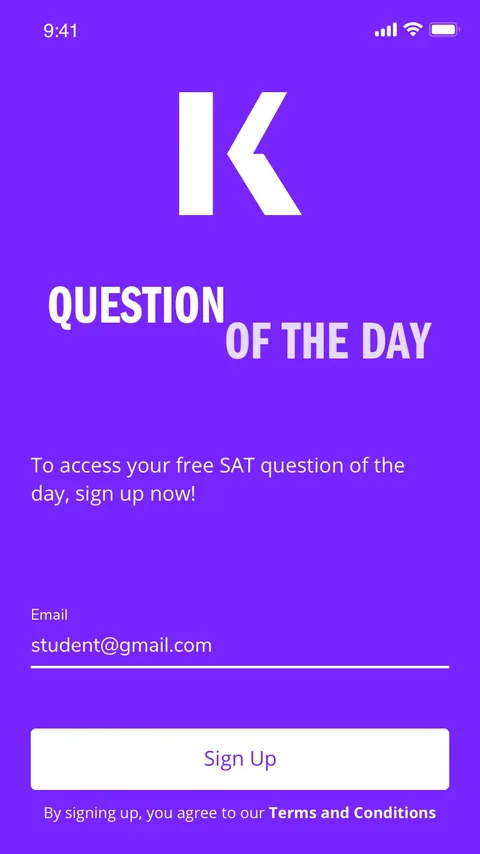
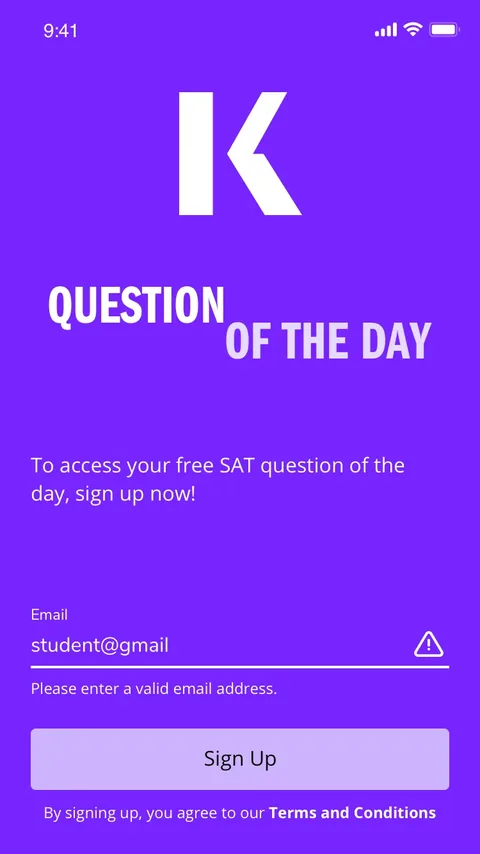
- Sign up with an emailClear inline errors, and agreeing to the terms built into the button.
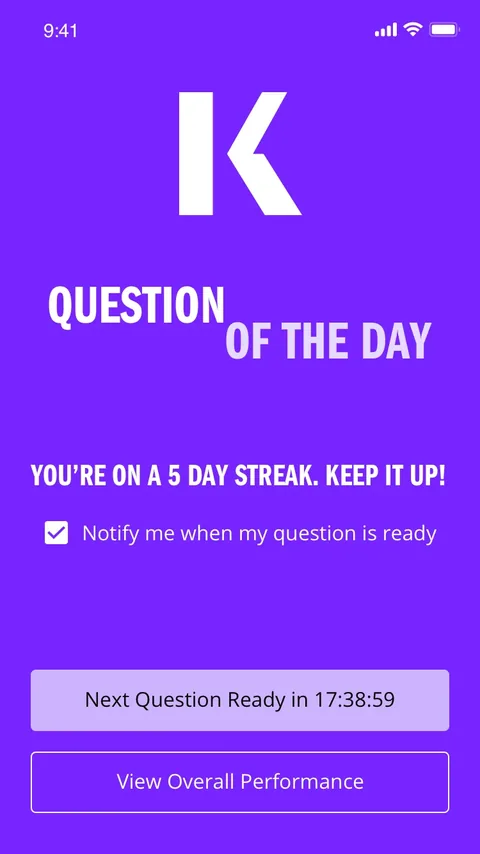
- Wait for the next questionA countdown to the next question, a streak to protect and an option to get notified.
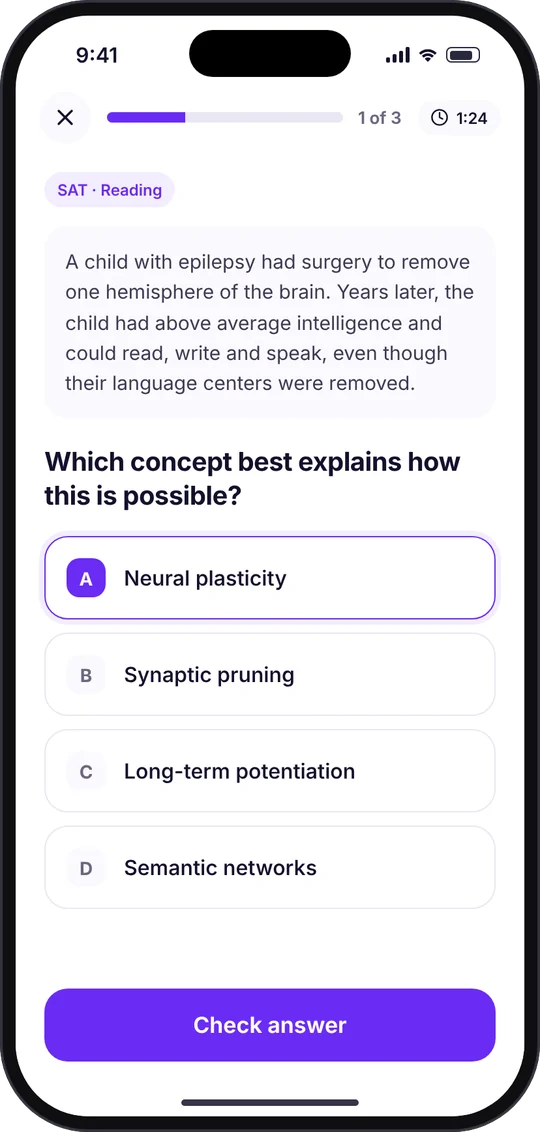
- Answer itPick an answer and submit.
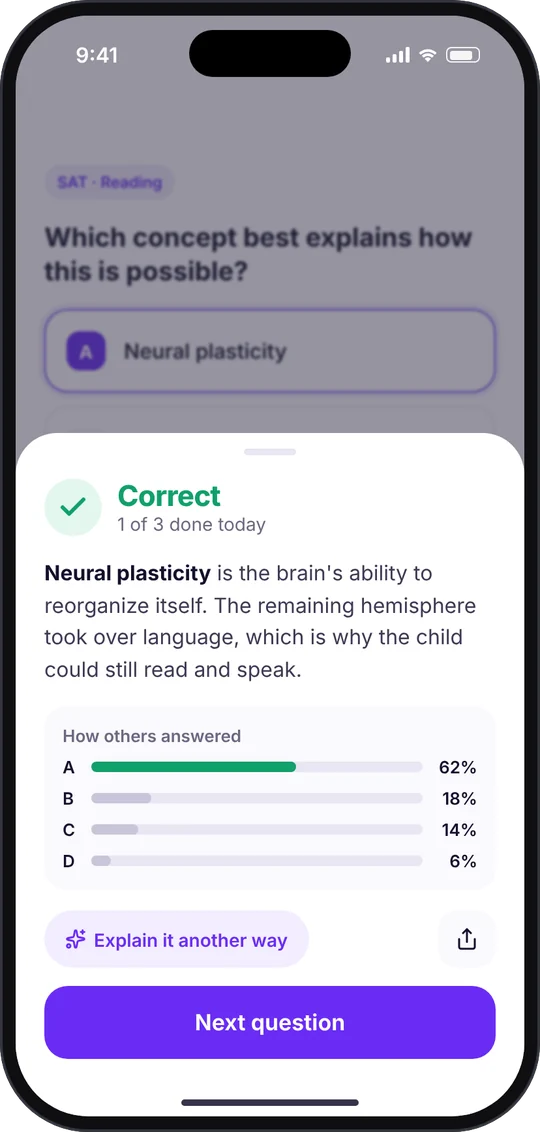
- Learn from itSee which answers were right and wrong, and open a full explanation.
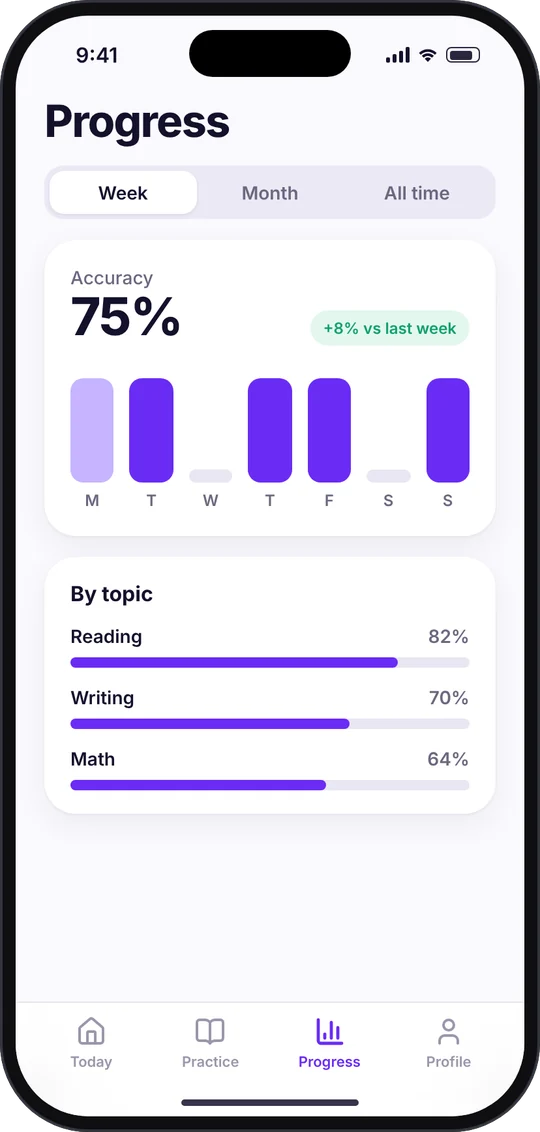
- Track progressA performance view with the overall score and every past question.
iOS screens
The MVP
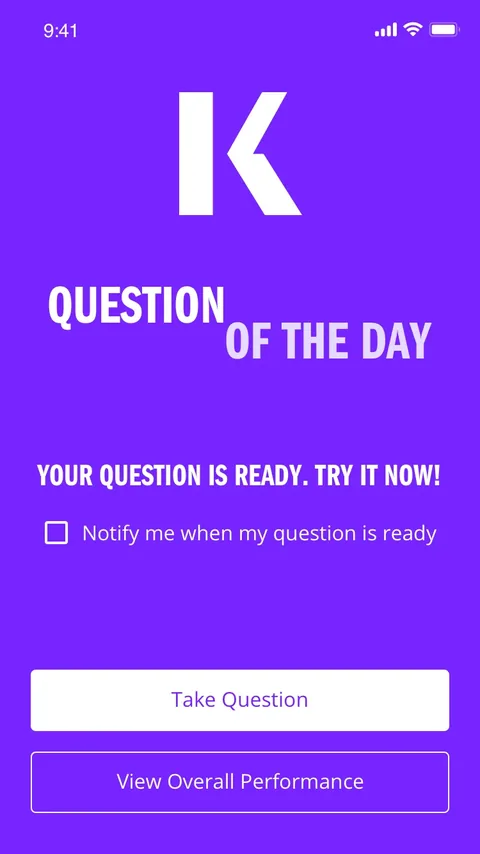
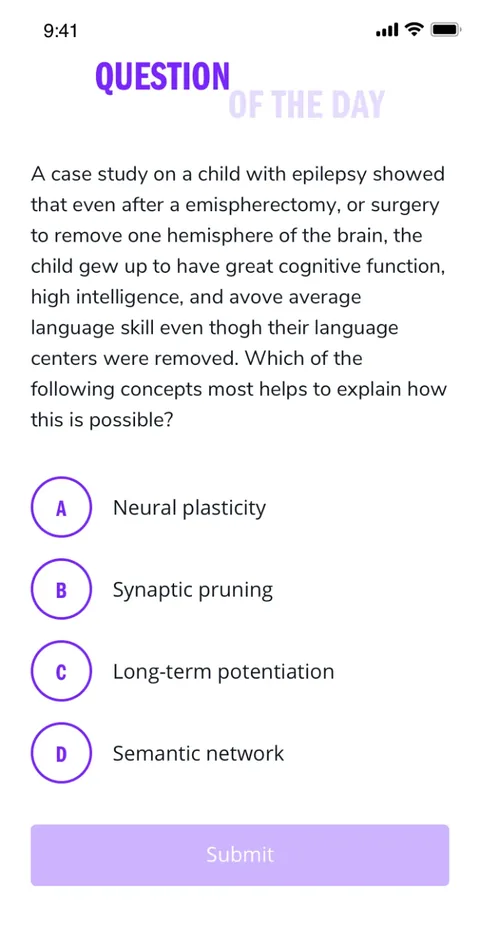
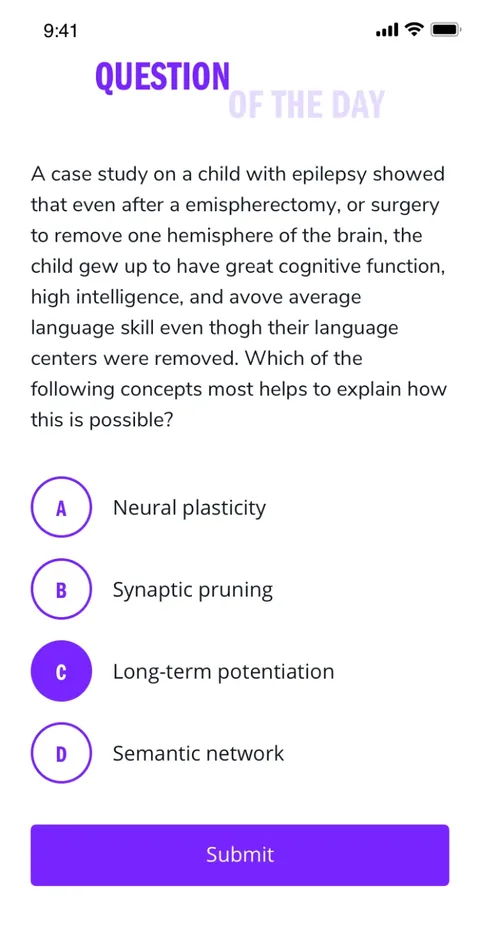
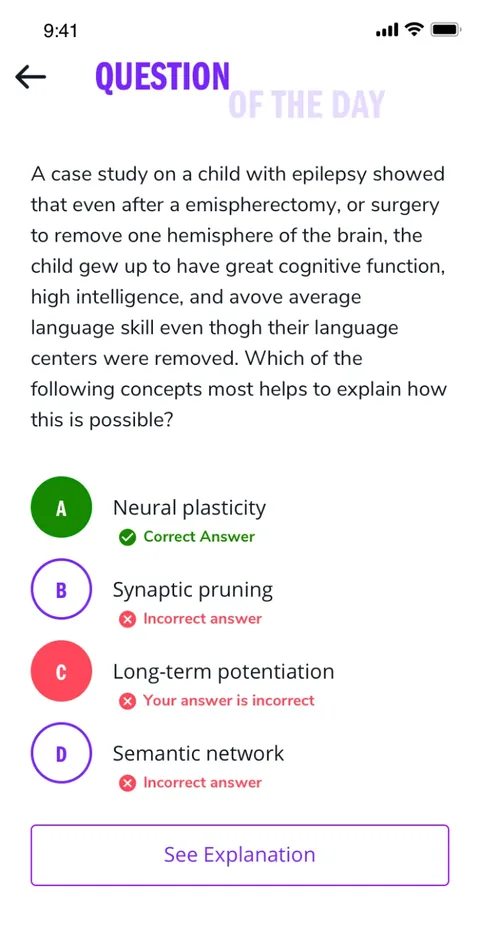
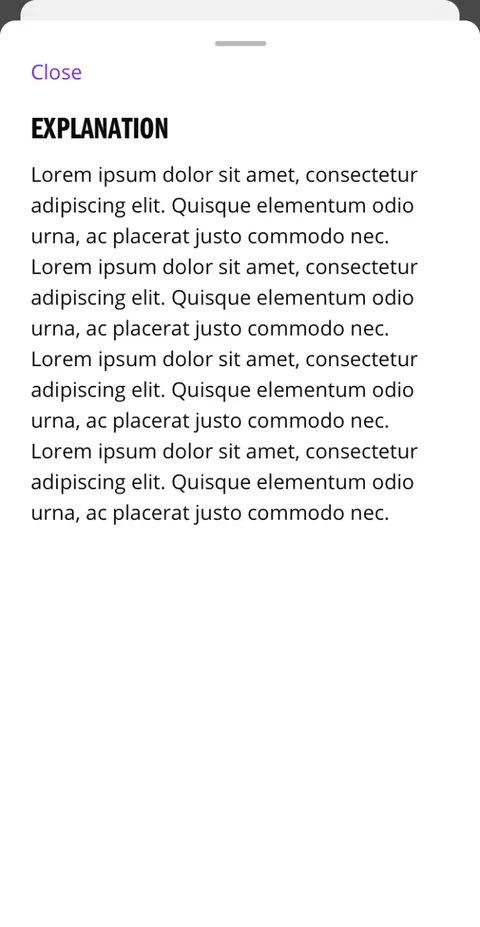
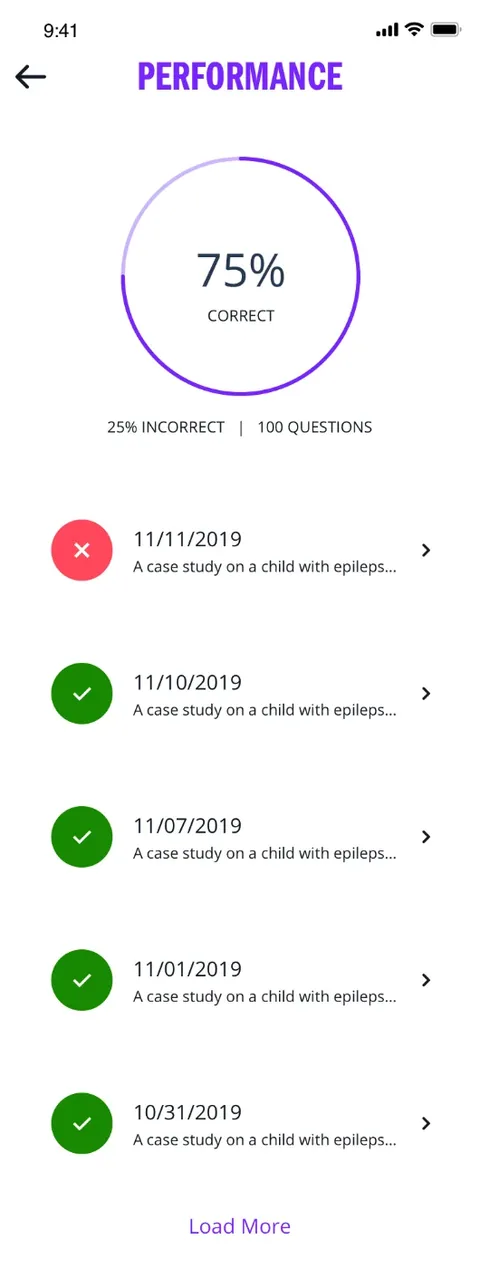
Scroll sideways to see more screens
Redesigned for today
How I'd update it with today's mobile patterns
The 2020 MVP did its job, but mobile patterns have moved on. This is a concept of how I'd redesign it now, keeping the same daily loop and making the habit easier to see and keep.
- Make the habit visible. A streak with the week laid out and a weekly goal replace a single countdown.
- Meet students outside the app. A lock screen notification and widget show when the day's questions are ready and protect the streak.
- Feedback in a bottom sheet. Students see if they're right, why, and how others answered, without leaving the question.
- A second explanation on demand. "Explain it another way" uses AI to reword the explanation when the first one doesn't click.
- Room to grow. A tab bar for Today, Practice, Progress and Profile, larger tap targets and progress broken down by topic.
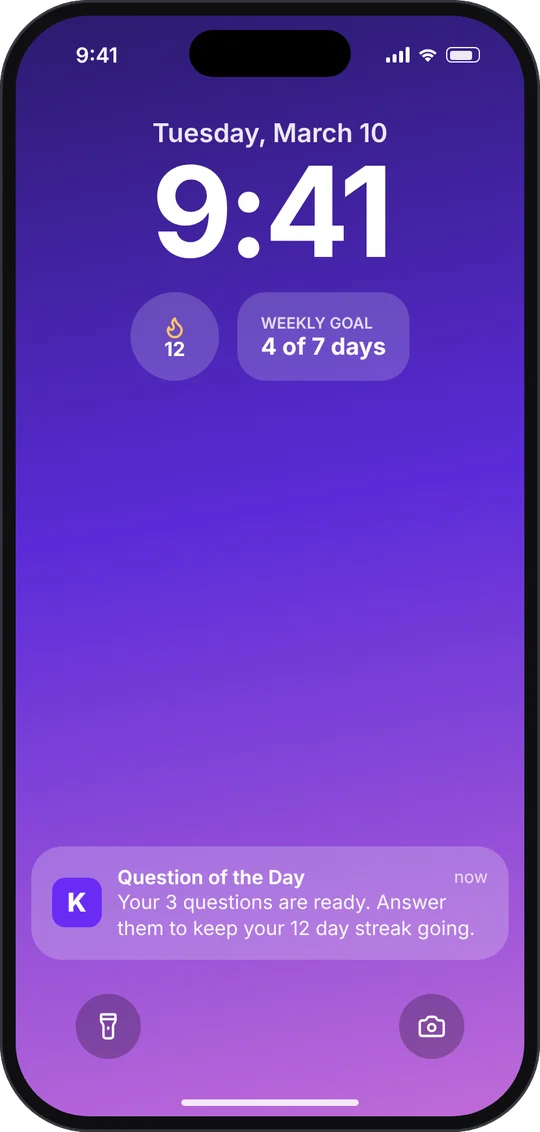
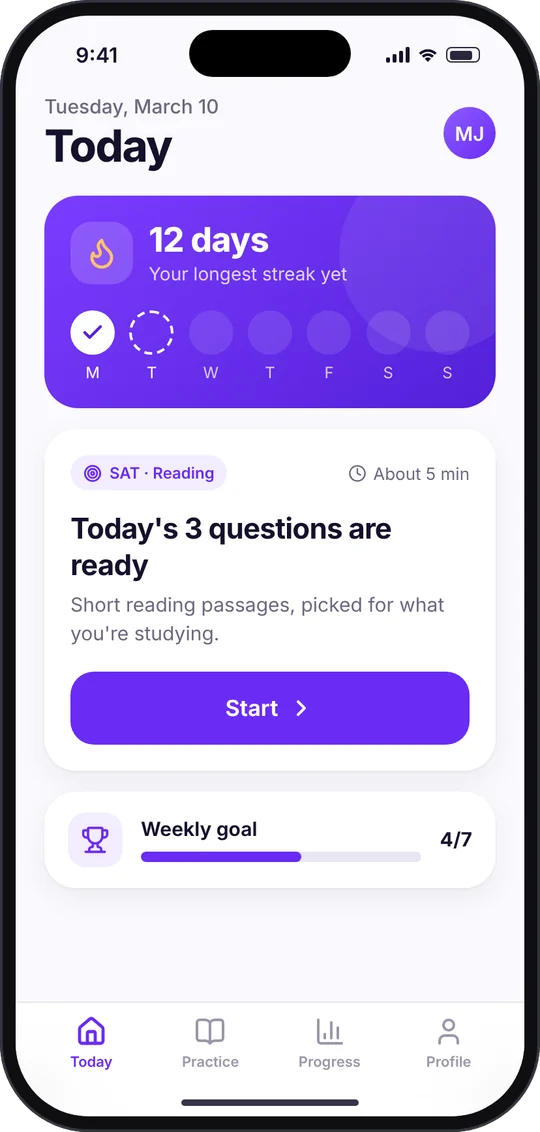
Scroll sideways to see more screens